Download
Download OptiScaler
Download the OptiScaler 0.9.4 archive directly. If your download has not started automatically, click the button below. Check compatibility and keep a backup of any game files before installation.
Download OptiScalerInstallation / Setup
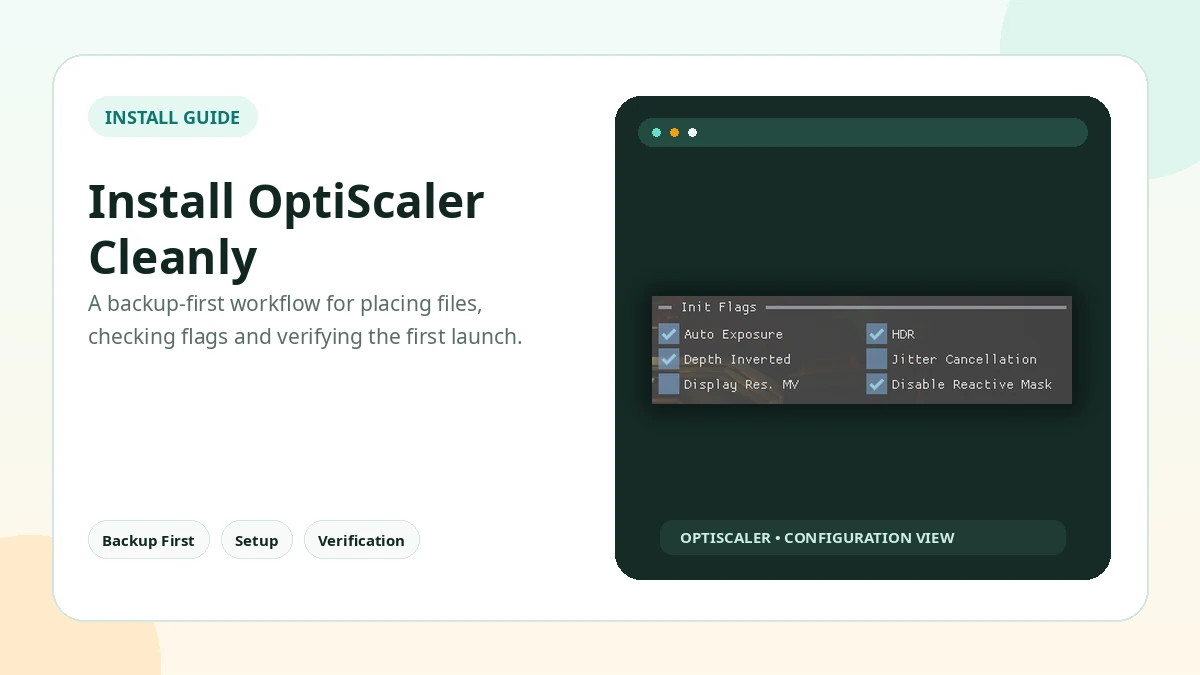
Prepare a Clean, Reversible Installation
- Find the actual game executable, not only the launcher shortcut.
- Back up files before copying or renaming proxy DLLs.
- Extract the OptiScaler files beside the correct executable.
- Use the setup method intended for that game and graphics API.
- Launch offline first and confirm the overlay appears.
- Test one output mode at a time before changing advanced settings.
Compatibility
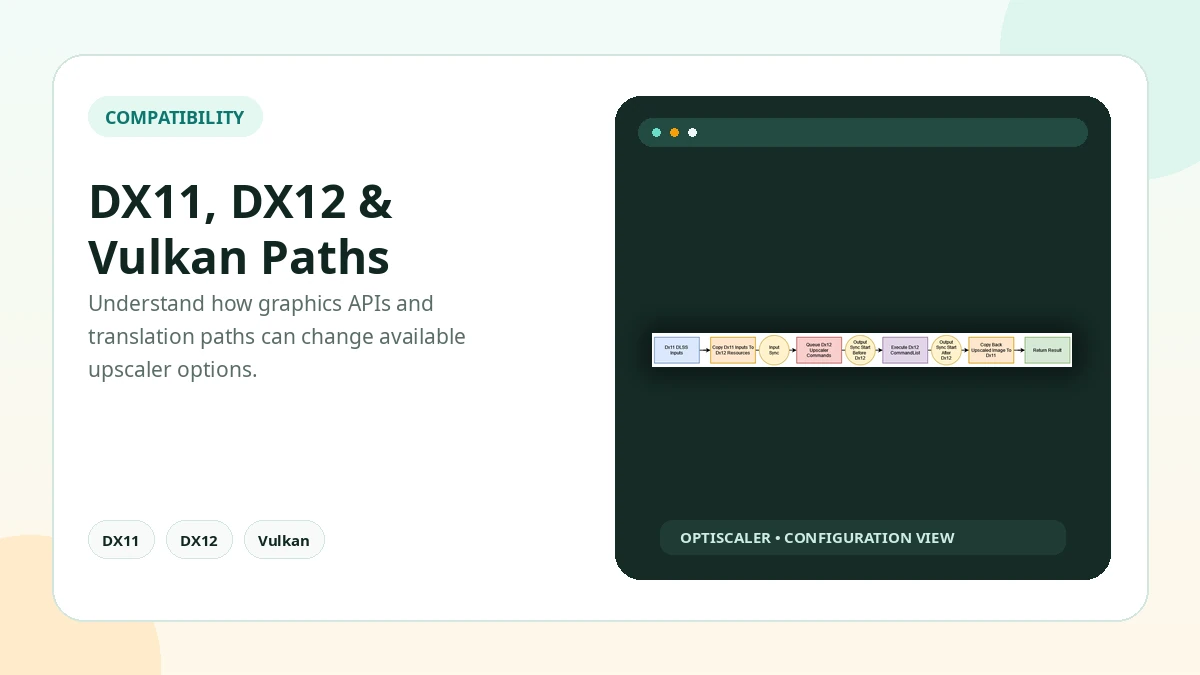
Platform and API Compatibility
Compatibility Overview
| Area | General Status |
|---|---|
| DirectX 11 | Supported, output options vary |
| DirectX 12 | Broad support; OptiFG is DX12-focused |
| Vulkan | Supported with game/output limits |
| Windows | Primary desktop environment |
| Linux | Possible through compatible Proton/Wine setups |
Safety Notice
Use Mods Carefully Around Anti-Cheat
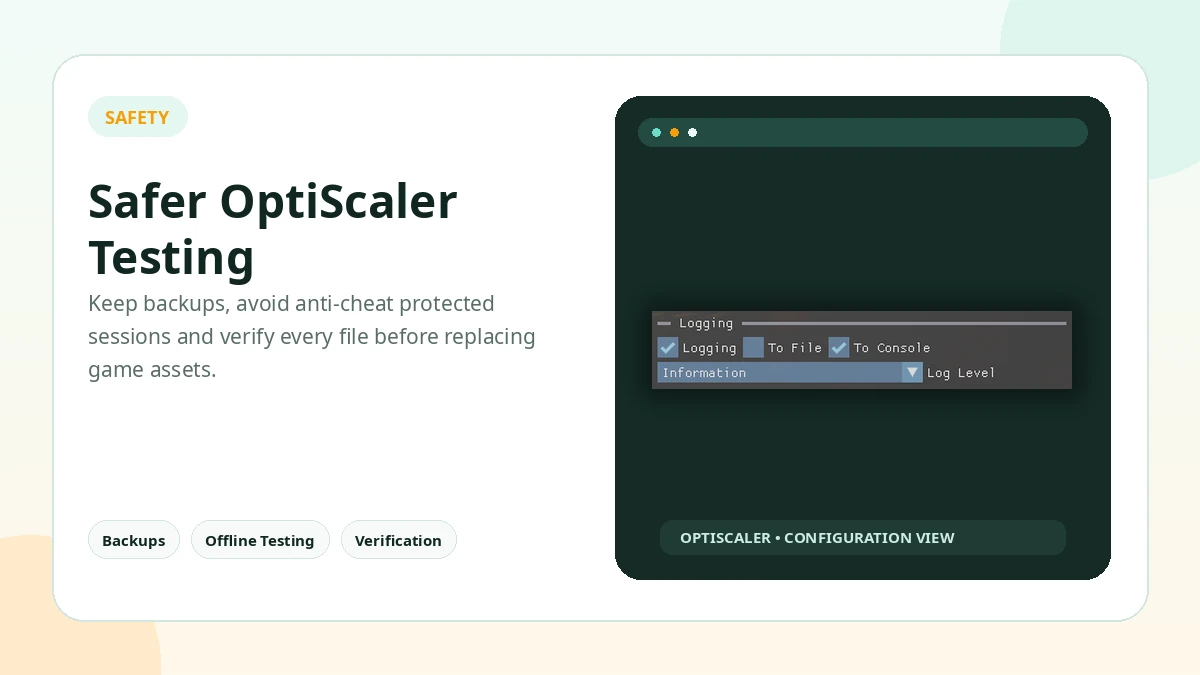
Avoid online or anti-cheat protected games. Modified DLLs, injectors, overlays, or replacement libraries can be treated as suspicious by anti-cheat systems even when the user's goal is visual customization.
Keep backups, test offline, verify file locations, and remove added files if a game becomes unstable. Do not assume every manager, client, mirror, or download page is part of the original project.
Release reference0.9.4July 2026
Release Information
Current Reference Build
Version 0.9.4 is the current release reference used throughout this site package. It focuses on updated FSR 4.1.1 / FFX 2.3 behavior, revised setup handling, and additional compatibility fixes. Always preserve a known-good configuration before updating an installed game.