Direct answer
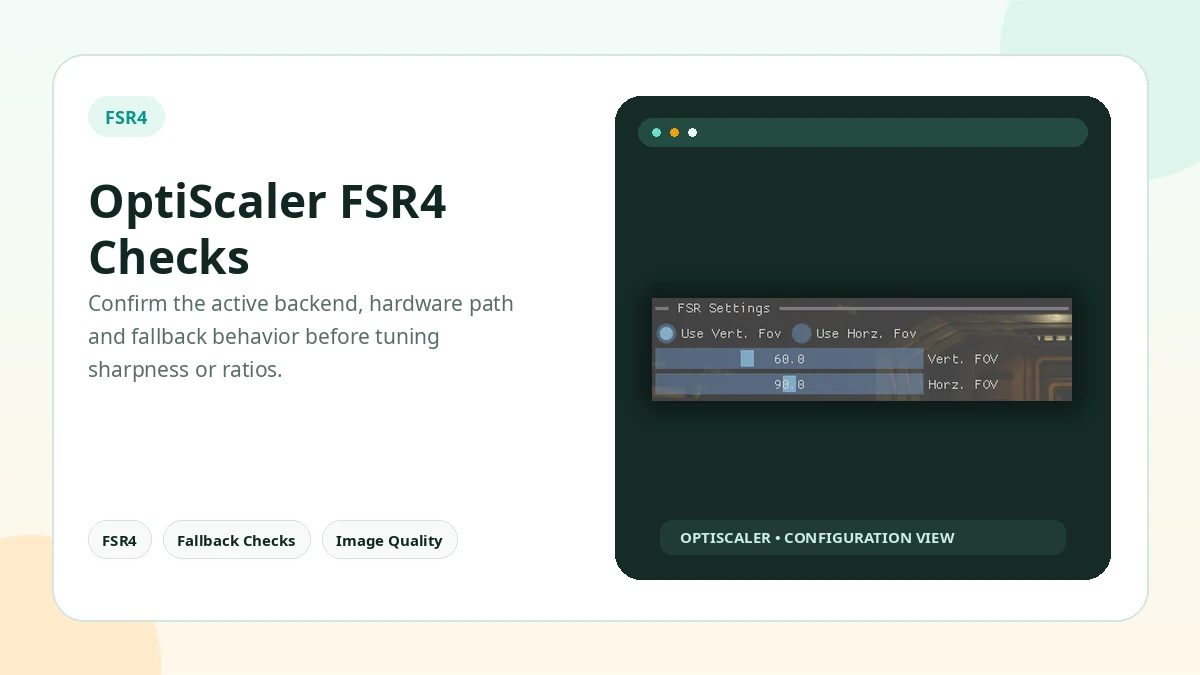
FSR4 support depends on the selected output path, GPU capability, driver or SDK behavior, and game compatibility. Unsupported hardware may fall back to another path.
What to do next
New to OptiScaler? Follow the install hub in order: backup, ZIP next to the game executable, offline launch, Insert overlay, one output at a time.
Ready to get the files? Go to Download.
Frequently asked questions
What is OptiScaler?
OptiScaler is a community tool that can intercept supported in-game upscaler calls and redirect them to another supported upscaling backend, with additional tuning options.
How does OptiScaler work in a game?
The game exposes an input upscaler, OptiScaler sits between the game and the selected output backend, and the chosen output handles the final upscaling path where compatibility allows.
Does OptiScaler support DirectX 11?
Yes, DirectX 11 is supported, although the available output methods and behavior can differ from DirectX 12.
Does OptiScaler support DirectX 12?
Yes. DirectX 12 has broad support and is also the API used by experimental OptiFG functionality.
Facts that do not change
- Version: OptiScaler 0.9.4 (reference build, July 2026)
- APIs: DirectX 11, DirectX 12, Vulkan
- Upscalers: DLSS, FSR and XeSS inputs/outputs where compatible
- Frame generation: Experimental OptiFG (DirectX 12)
- Overlay: Insert key
- Install: ZIP extracted next to the main game executable
- Platform: Windows; Linux via Proton/Wine varies
- Site: Independent guide — not the official project site
Practical Checklist
- Keep original files backed up before changing the game folder.
- Test one setting or backend at a time.
- Avoid anti-cheat protected online sessions.
- Document the working configuration before updating.
Related Guides
Continue with the related guides in the sidebar for setup, compatibility, performance, or safety topics.
- OptiScaler FAQ: the official 20 questions, answered — Standalone URLs for the official site's 20 OptiScaler questions — APIs, overlay, FSR4, Linux, anti-cheat and the manager question.
- OptiScaler guides: install, FSR4, Linux, performance and safety — Step-by-step OptiScaler guides for installation, compatibility, performance, Linux, FSR4 and common user questions.
- What is OptiScaler? — OptiScaler is a community tool that can intercept supported in-game upscaler calls and redirect them to another supported upscaling backend, with additional tuning options.
- How does OptiScaler work in a game? — The game exposes an input upscaler, OptiScaler sits between the game and the selected output backend, and the chosen output handles the final upscaling path where compatibility allows.
- Does OptiScaler support DirectX 11? — Yes, DirectX 11 is supported, although the available output methods and behavior can differ from DirectX 12.