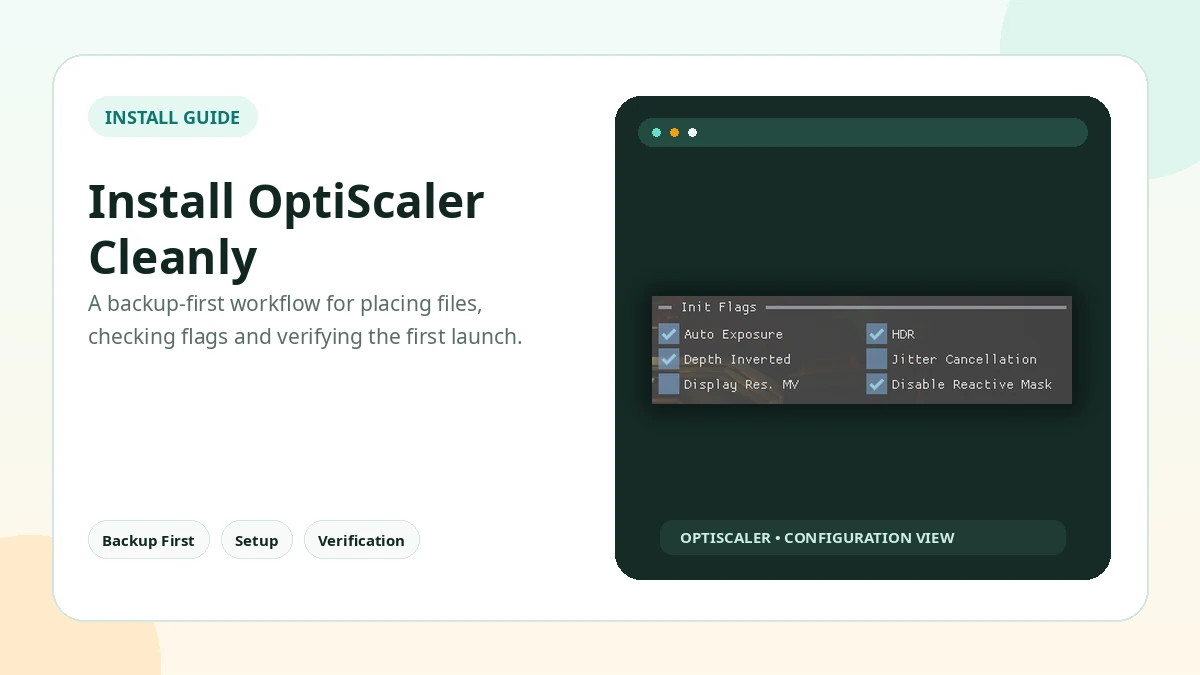
A careful OptiScaler install starts before any file is copied. The goal is to identify the real game executable, preserve a clean rollback path, and add only the files required for that title. This reduces the chance of crashes and makes troubleshooting much easier.
Extract the ZIP and Run Setup Carefully
Extract the OptiScaler 0.9.4 ZIP next to the main game executable, use the setup method intended for that game and graphics API, and avoid mixing files from older installations. If a batch setup method is used, read each prompt before allowing file renames.
Before You Install
Close the game and its launcher, find the folder that holds the real game executable, and back up any DLL that may be replaced or renamed. Do not test inside an online or anti-cheat protected session.
Find the Correct Game Executable
Many games keep a launcher at the root while the executable that actually loads DirectX 11, DirectX 12 or Vulkan sits several folders deeper. OptiScaler belongs next to the main game executable that loads the graphics API and upscaler integration, not next to the launcher shortcut.
Verify the Overlay
Launch the game offline and press Insert, the key commonly used to open the OptiScaler overlay. If it does not appear, confirm the folder, the proxy DLL choice and conflicts with other overlay software.
Create a Rollback Plan
Keep a small note of every file you added. If the game stops launching, remove only those files and restore the backup before trying a different proxy or configuration.
Practical Checklist
- Extract the OptiScaler 0.9.4 ZIP next to the main game executable, not the launcher.
- Keep original files backed up before changing the game folder.
- Test one setting or backend at a time.
- Avoid anti-cheat protected online sessions.
- Document the working configuration before updating.
Related Guides
Continue with the related guides in the sidebar for setup, compatibility, performance, or safety topics.