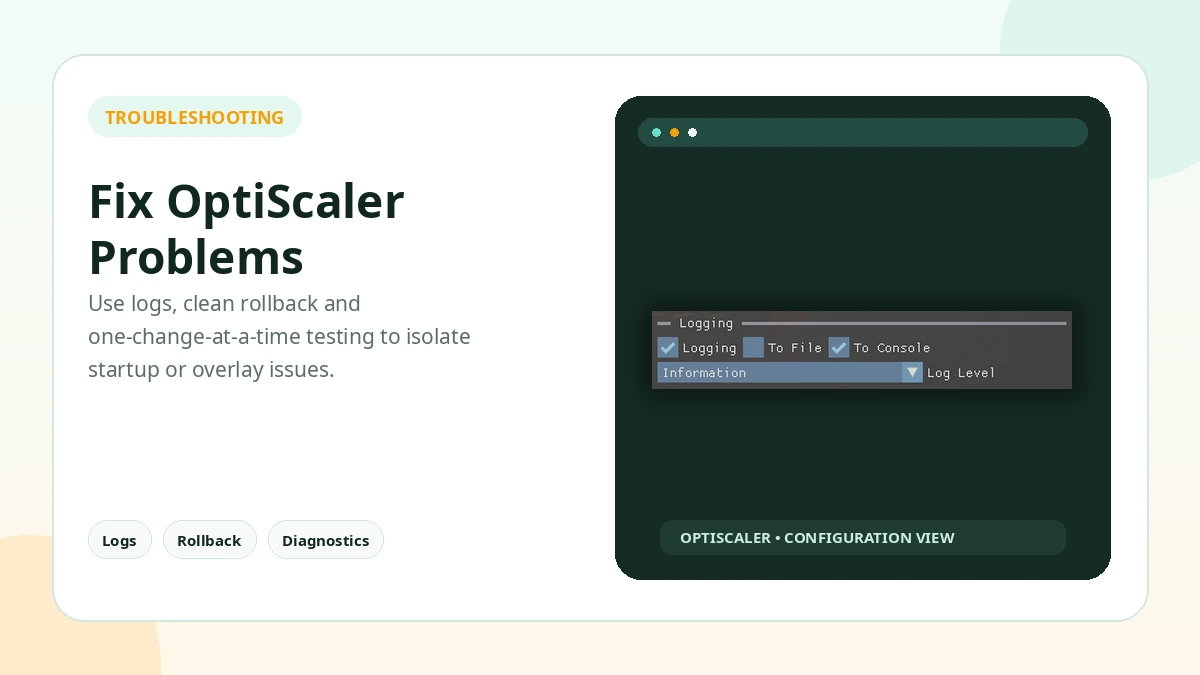
When OptiScaler is not working, the fastest fix usually comes from reducing variables. Restore the game to a clean state first, then reintroduce the minimum files required for a single working configuration.
Reinstall the Minimum Configuration
Re-add only the minimum files beside the correct game executable, with the proxy appropriate for that game and API, and test a single output before changing anything else.
Game Does Not Launch
Remove added proxy and OptiScaler files to confirm the game still launches cleanly. Then verify that the chosen proxy is appropriate for the game and API.
Game Crashes After Installation
Take the added files out first: if the crash stops, the install is the cause. Then re-check the executable folder, the proxy selection, whether the game's API (DirectX 11, DirectX 12 or Vulkan) is supported, and known compatibility limits. If the game crashes before the menu, revert before changing more variables.
Overlay Does Not Appear
Confirm that the files are beside the correct executable, check the shortcut key, and temporarily disable other overlays that may capture the same input or graphics hooks.
Output Looks Wrong
Make sure the intended backend is actually active. A fallback mode can look different even when the in-game menu still displays the original input label.
Practical Checklist
- Remove the added files and confirm the game launches cleanly before retesting.
- Keep original files backed up before changing the game folder.
- Test one setting or backend at a time.
- Avoid anti-cheat protected online sessions.
- Document the working configuration before updating.
Related Guides
Continue with the related guides in the sidebar for setup, compatibility, performance, or safety topics.