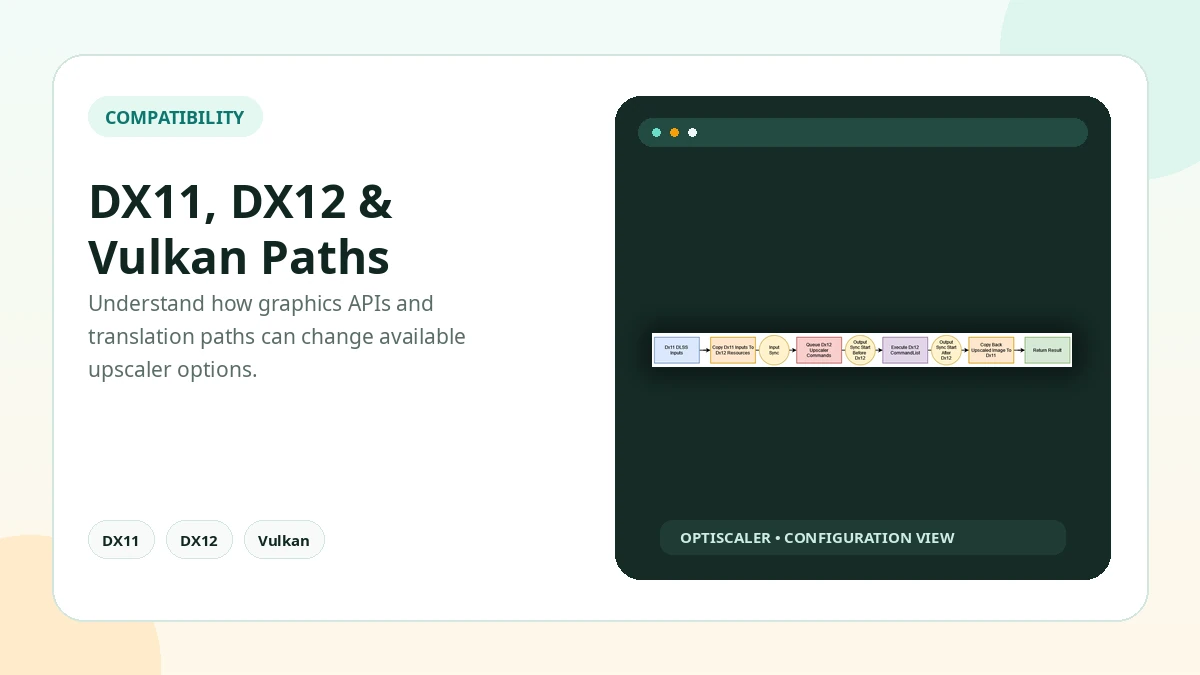
Any comparison starts with what OptiScaler is: a translation layer between a supported upscaler input exposed by a game and an output backend selected by the user. In compatible titles, this makes it possible to replace one temporal upscaler path with another and tune related image-quality settings.
What OptiScaler Changes
OptiScaler starts from an upscaler the game already exposes: DLSS, FSR, XeSS, or another supported temporal upscaler path. It redirects that input to the output selected in its overlay, so checking which input a game exposes is always the first step.
Can OptiScaler Replace DLSS?
Yes, where the game is compatible: a supported DLSS-style input can be sent to another supported output such as FSR or XeSS, even though the in-game menu may still show DLSS while another backend does the upscaling.
Can OptiScaler Replace FSR Inputs?
Often, but not always. Many FSR input paths work, while older or custom FSR integrations are where game-specific differences show up most.
Frame Generation Options
OptiScaler can manage supported frame generation paths, and experimental OptiFG can add frame generation in some DirectX 12 scenarios. Watch for UI artifacts and latency changes when you test it.
Compare in the Same Scene
OptiScaler does not improve performance in every game: results vary by game, GPU, resolution, output mode, frame generation, and whether translation overhead is involved. Compare multiple output backends in one repeatable scene and keep the one that works best with that game and GPU.
Practical Checklist
- Compare options in the same scene, at the same resolution, one at a time.
- Keep original files backed up before changing the game folder.
- Test one setting or backend at a time.
- Avoid anti-cheat protected online sessions.
- Document the working configuration before updating.
Related Guides
Continue with the related guides in the sidebar for setup, compatibility, performance, or safety topics.