What this hub is
Side-by-side notes for OptiScaler versus Lossless Scaling, native DLSS, native FSR and native XeSS.
OptiScaler 0.9.4 is a community translation layer for DirectX 11, DirectX 12 and Vulkan games. This host is an independent guide, not the official project site. Start from Download, then come back here for the per-game checks.
The safe order
- Back up the game folder.
- Extract the ZIP next to the main game executable.
- Launch offline and press Insert.
- Change one output at a time, and never test in online or anti-cheat protected games.
Pages in OptiScaler vs Lossless Scaling, DLSS, FSR and XeSS
- OptiScaler vs Lossless Scaling — A paid Steam app that scales and frame-generates almost any window from outside the game. Pick OptiScaler when a game exposes a supported temporal input and you want the real upscaler pipeline; pick Lossless Scaling for games with no usable input or when you cannot place files by the executable.
- OptiScaler vs native DLSS — NVIDIA's DLSS as the game itself ships it, with no translation layer. OptiScaler does not replace DLSS as a technology; it redirects DLSS (and FSR/XeSS) calls. Keep native DLSS when it already does what you want.
- OptiScaler vs native FSR — AMD FSR as the game itself ships it. Use OptiScaler to reach an FSR output a game did not ship, or to test FSR4 paths; native FSR needs no layer when it is already current.
- OptiScaler vs native XeSS — Intel XeSS as the game itself ships it. OptiScaler's value is choice: the same game input can be tested against XeSS and FSR outputs without waiting for a game patch.
- OptiScaler vs FSR 3 in OptiScaler — The older FSR generation as an OptiScaler output. FSR4 is the quality target on supported hardware; FSR 3 remains the compatibility fallback. Always verify which one is actually active.
- OptiScaler vs FSR Frame Generation — Frame generation tied to the FSR pipeline. Both are experiments on top of a healthy base frame rate. Compare them in the same scene and keep the one with cleaner UI and latency.
Comparisons: related searches
- OptiScaler vs Lossless Scaling
- Lossless Scaling vs OptiScaler
- OptiScaler or Lossless Scaling
- OptiScaler Frame Generation vs Lossless Scaling
- OptiScaler vs DLSS
- DLSS vs OptiScaler
- OptiScaler vs FSR
- FSR vs OptiScaler
- OptiScaler vs XeSS
- OptiScaler DLSS to FSR
- OptiScaler DLSS to XeSS
- OptiScaler Replace DLSS
- OptiScaler Replace FSR
- OptiScaler DLSS Input FSR Output
- OptiScaler FSR Input
- Best OptiScaler Output
- OptiScaler DLSS Input FSR Output 0.9.4
- OptiScaler DLSS to FSR 0.9.4
- OptiScaler DLSS to XeSS 0.9.4
- How to DLSS vs OptiScaler
- How to FSR vs OptiScaler
- OptiScaler DLSS Input FSR Output Linux
- OptiScaler DLSS to FSR Linux
- OptiScaler DLSS to XeSS Linux
- OptiScaler How to DLSS Input FSR Output
- OptiScaler How to DLSS to FSR
- OptiScaler How to DLSS to XeSS
- DLSS vs OptiScaler 0.9.4
- FSR vs OptiScaler 0.9.4
- How to Best OptiScaler Output
- OptiScaler FSR Input 0.9.4
- OptiScaler Replace DLSS 0.9.4
Frequently asked questions
What is OptiScaler?
OptiScaler is a community tool that can intercept supported in-game upscaler calls and redirect them to another supported upscaling backend, with additional tuning options.
How does OptiScaler work in a game?
The game exposes an input upscaler, OptiScaler sits between the game and the selected output backend, and the chosen output handles the final upscaling path where compatibility allows.
Does OptiScaler support DirectX 11?
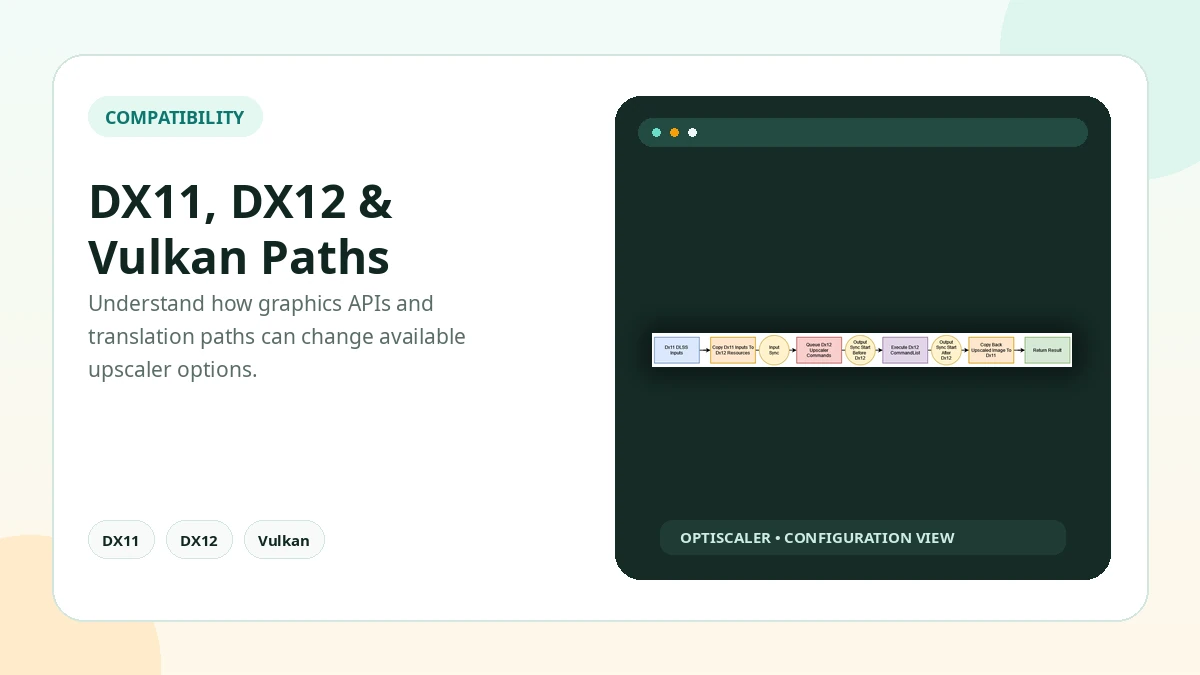
Yes, DirectX 11 is supported, although the available output methods and behavior can differ from DirectX 12.
Does OptiScaler support DirectX 12?
Yes. DirectX 12 has broad support and is also the API used by experimental OptiFG functionality.
Facts that do not change
- Version: OptiScaler 0.9.4 (reference build, July 2026)
- APIs: DirectX 11, DirectX 12, Vulkan
- Upscalers: DLSS, FSR and XeSS inputs/outputs where compatible
- Frame generation: Experimental OptiFG (DirectX 12)
- Overlay: Insert key
- Install: ZIP extracted next to the main game executable
- Platform: Windows; Linux via Proton/Wine varies
- Site: Independent guide — not the official project site
Practical Checklist
- Keep original files backed up before changing the game folder.
- Test one setting or backend at a time.
- Avoid anti-cheat protected online sessions.
- Document the working configuration before updating.
Related Guides
Continue with the related guides in the sidebar for setup, compatibility, performance, or safety topics.
- OptiScaler FAQ: the official 20 questions, answered — Standalone URLs for the official site's 20 OptiScaler questions — APIs, overlay, FSR4, Linux, anti-cheat and the manager question.
- OptiScaler guides: install, FSR4, Linux, performance and safety — Step-by-step OptiScaler guides for installation, compatibility, performance, Linux, FSR4 and common user questions.
- OptiScaler vs Lossless Scaling — A paid Steam app that scales and frame-generates almost any window from outside the game. Pick OptiScaler when a game exposes a supported temporal input and you want the real upscaler pipeline; pick Lossless Scaling for games with no usable input or when you cannot place files by the executable.
- OptiScaler vs native DLSS — NVIDIA's DLSS as the game itself ships it, with no translation layer. OptiScaler does not replace DLSS as a technology; it redirects DLSS (and FSR/XeSS) calls. Keep native DLSS when it already does what you want.
- OptiScaler vs native FSR — AMD FSR as the game itself ships it. Use OptiScaler to reach an FSR output a game did not ship, or to test FSR4 paths; native FSR needs no layer when it is already current.
- OptiScaler vs native XeSS — Intel XeSS as the game itself ships it. OptiScaler's value is choice: the same game input can be tested against XeSS and FSR outputs without waiting for a game patch.